LinkedIn
Work

Decathlon Digital

Global Director of Product, Shopping App
2024 to 2026 · Sports retail

Decathlon is a 50-⁠year-⁠old sporting goods giant with a presence in 82 countries, over 1,900 stores, and €16.8 billion in revenue in 2025.

The challenge

When I took over Decathlon’s Shopping App in 2024, it served millions of customers in more than thirty countries but was a plain ecommerce app. Ownership was spread across many teams, the experience was inconsistent and often buggy, the technical stack slowed every improvement, and there was too little data to know what worked. The app store reviews said as much.

What I owned

I owned the vision, the multi-⁠year strategy and the business cases for every major investment, up to Decathlon’s executive committee. I led the product leaders of a new central app team across Amsterdam, Lille and Paris, organised teams around clear parts of the customer journey, and introduced A/B testing to an app that had never run an experiment. Half the job was the country teams: we turned a central-⁠versus-⁠local split into one product community.

The key decision

At Decathlon I set the vision for the Shopping App: a digital flagship store connecting customers to our products, services and content, online and in store. Each channel got its own job. The website wins the first purchase, the stores offer the physical experience, and the app keeps the relationship going between purchases.

The decision that mattered most was the order. The first year went into trust: a stable app and data the teams could rely on. Convenience came second, removing friction from discovery through to after the purchase. Personal guidance was planned last, because advice only works on connected data and an app that doesn’t crash.

See the three pillars

What changed

The foundation paid off. Bugs dropped 47%, the app opens in under a second and availability reached 99.96%. App GMV grew 40% year over year on average, adding hundreds of millions of euros, and the app’s share of Decathlon’s ecommerce revenue grew in every market. In several of our biggest countries it became the biggest online sales channel, ahead of desktop and mobile web. In stores, customers now use the app to check availability, scan products, see their purchase history across channels and show their membership card. The next steps, a passport that keeps the app useful between purchases and an in-⁠store mode, are set up to be decided on evidence from small pilots.

Selected projects

Decathlon Shopping App — AR as Native Differentiation Strategy

2025 to 2026

The default in mobile commerce is parity: match the website, then add features. I built the vision for the Decathlon Shopping App on a different question: where is the customer in their journey, and which channel adds the most value there?

Web and app serve different moments. The app’s real advantage is native capability, and augmented reality shows it best. A customer in a store can point their phone at a tent to place a full-⁠size virtual version next to the real one, or compare running shoes in 3D before buying. Those are the moments a customer decides whether to buy, and they belong to the app.

I made AR one of the pillars of the app’s product vision, because it answered the question of what mobile does better than the web. The team shipped AR for tents and footwear on iOS, with a roadmap to extend it to more product categories.

The Shopping App vision, in three pillars

Each pillar is a distinct customer journey. Together they close the loop.

Flagship Commerce

Leverage what native mobile hardware (the phone’s processor, camera, etc.) can do that a mobile website fundamentally cannot.

  1. A man on a sofa smiles at his phone, with a notification: App-First Drop, available to members 2 weeks early, for a Pro Team race bike.

    Early access

    Members get a lock screen notification: “New Pro Bike, in the app two weeks before anyone else.”

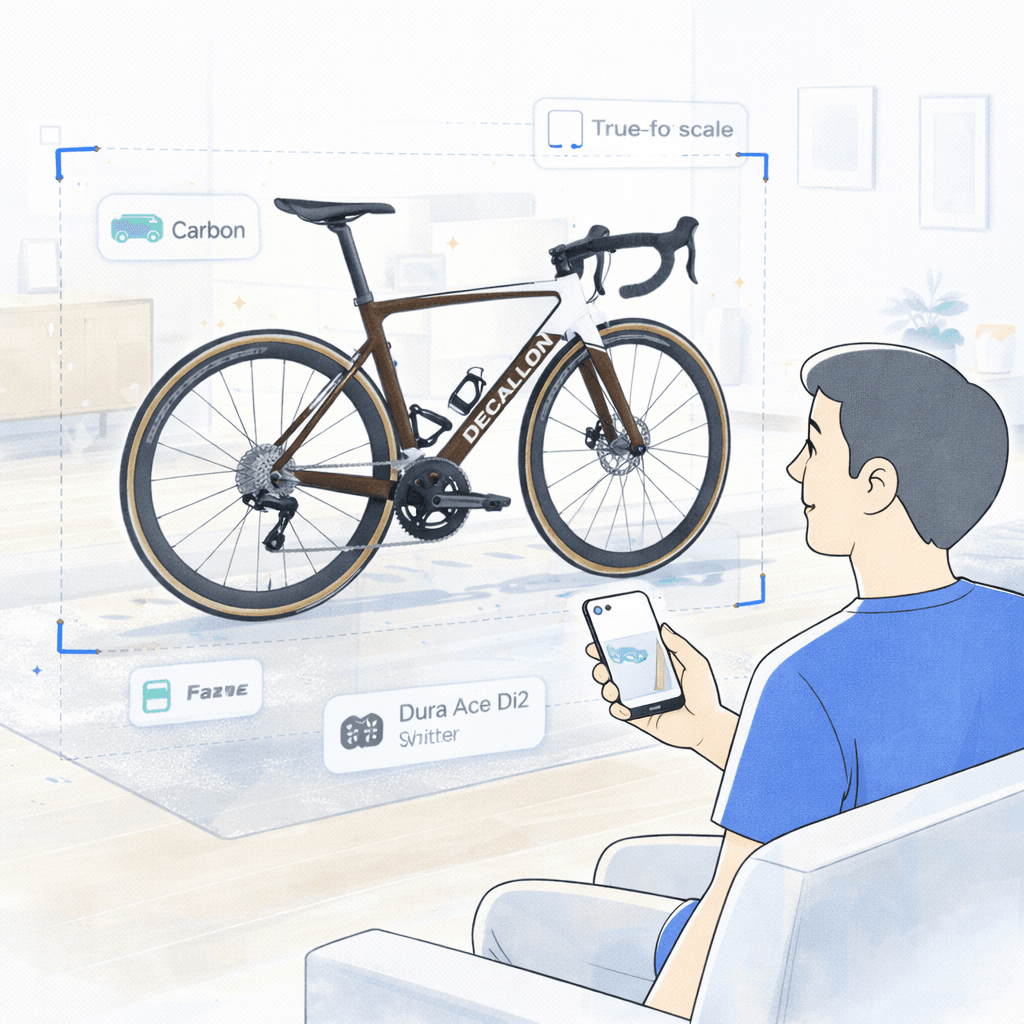
  2. A man on his sofa points his phone at a life-size virtual road bike standing in his living room.

    See it at home

    One tap on the AR button places the bike, true to scale, in the living room.

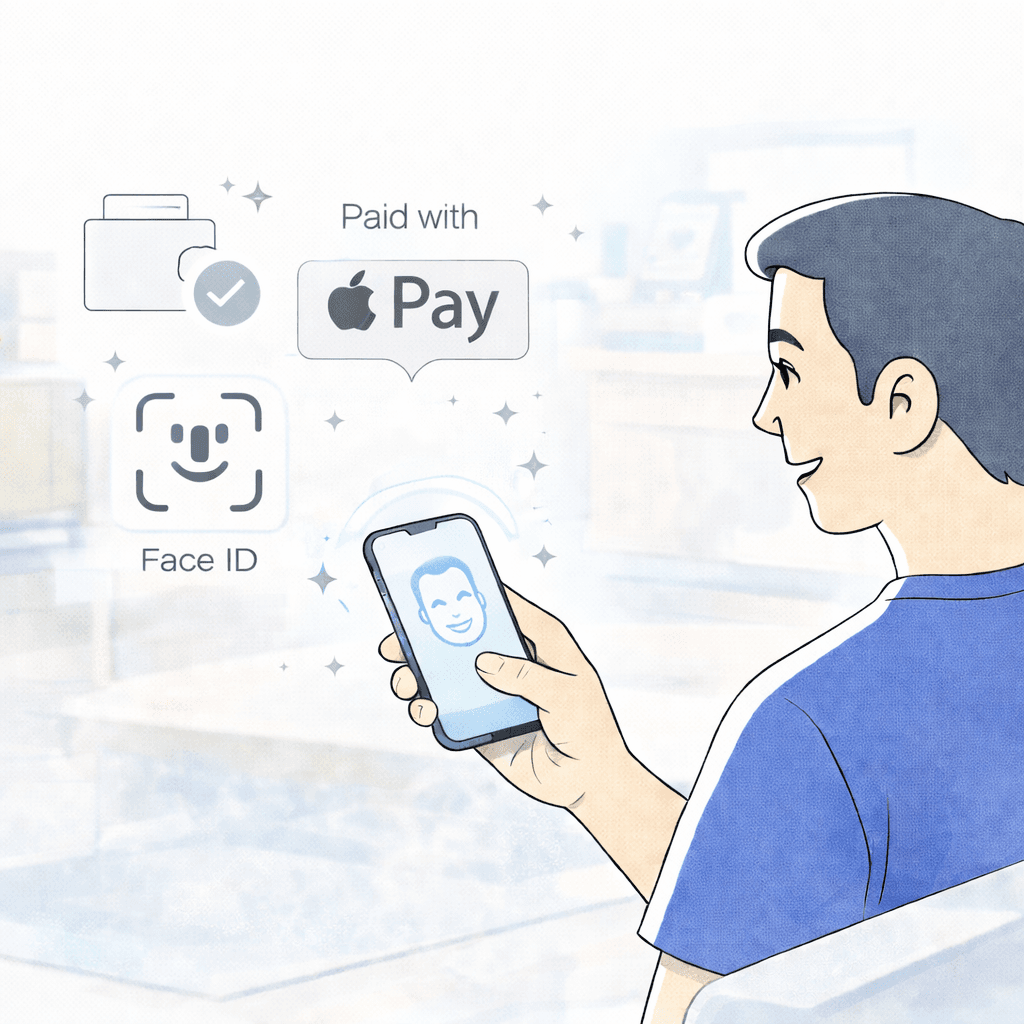
  3. A man looks at his phone, which recognises his face, next to the Apple Pay and Face ID symbols.

    One-⁠tap checkout

    Apple Pay or Google Pay with Face ID. No address or card fields.

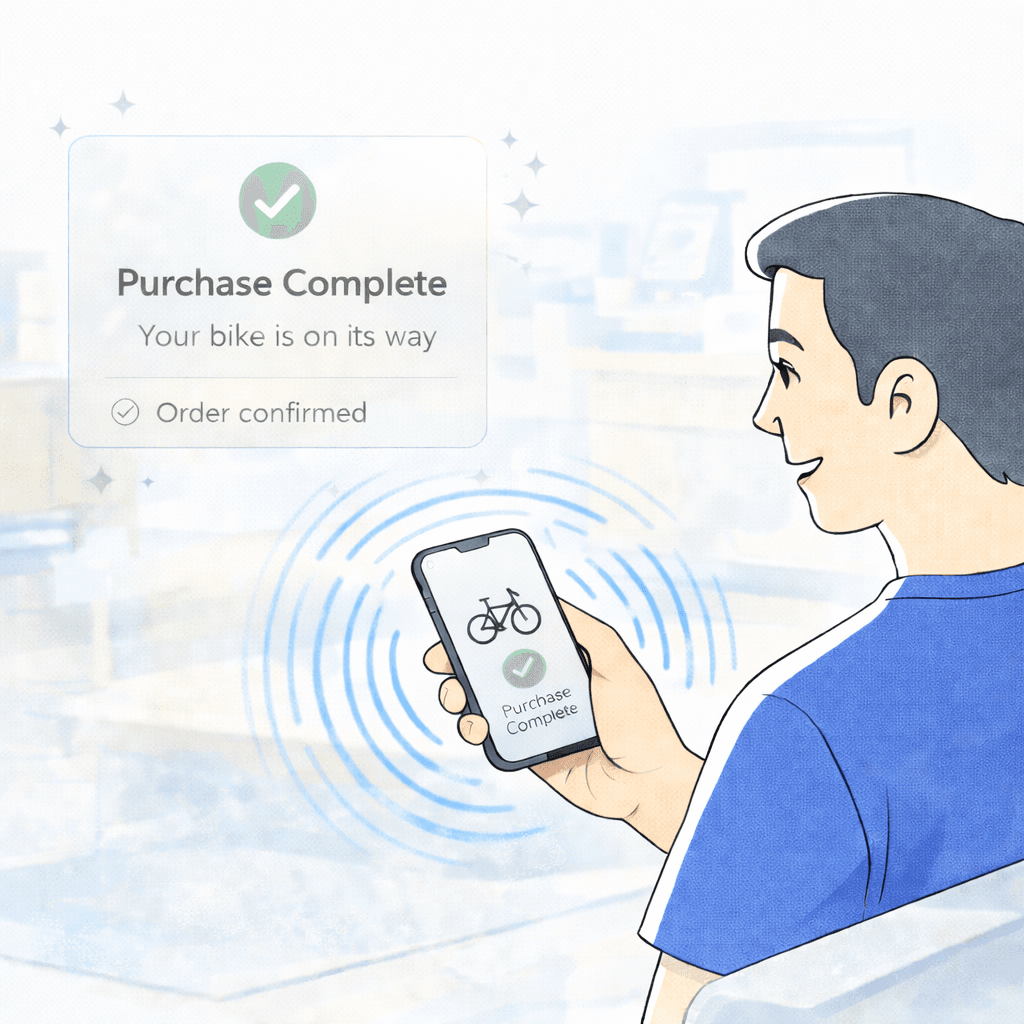
  4. A phone in a man’s hand vibrates as it shows Purchase complete, your bike is on its way.

    Confirmation

    An animation and a short haptic tap confirm the order.

The Decathlon Passport

The first purchase usually happens on the website. The passport turns that order into a reason to install the app, so the next purchase can start there.

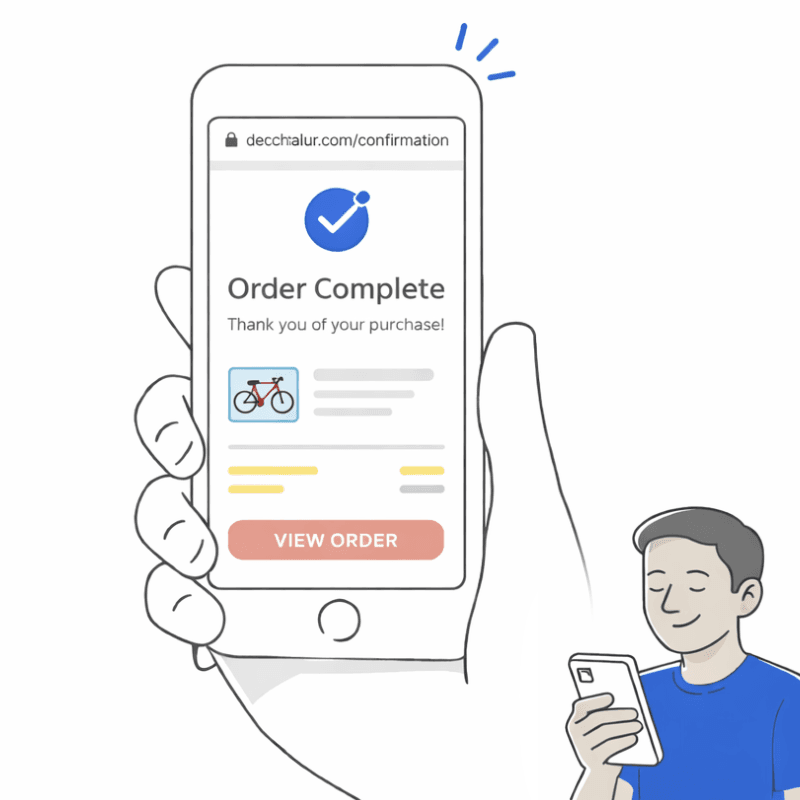
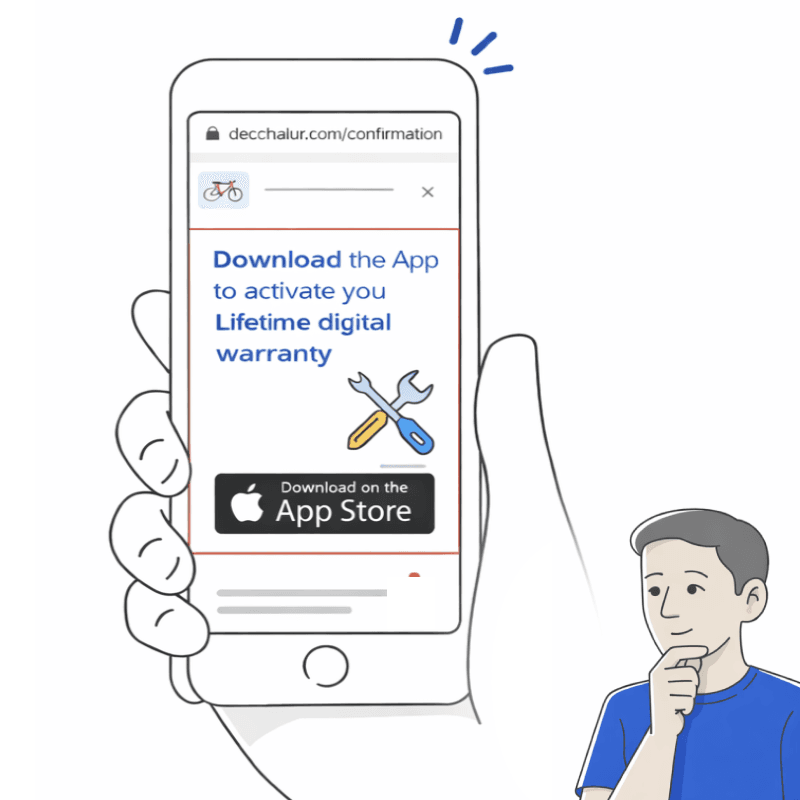
  1. A hand holds a phone showing an order confirmation for a bike on the mobile website.

    Web order

    A customer buys a bike on mobile web as a guest and lands on the order confirmation.

  2. The confirmation page shows a module: download the app to activate your lifetime digital warranty, with an App Store button.

    Warranty offer

    The confirmation page offers the lifetime digital warranty, which only activates in the app: “Download the app to activate your warranty.”

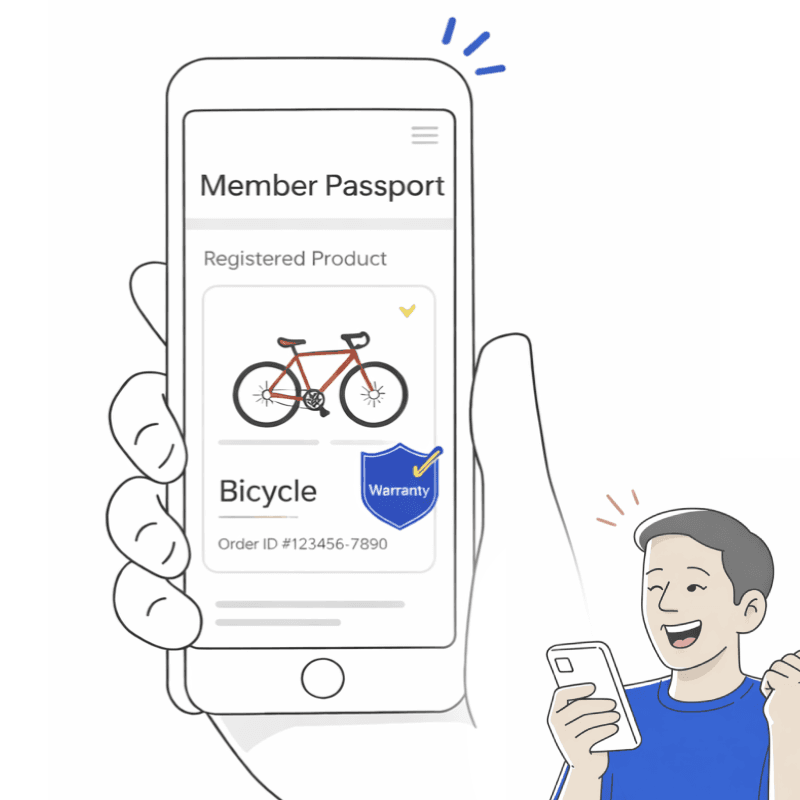
  3. The app opens on the Member Passport, showing the registered bicycle with a warranty badge.

    Passport activation

    The app opens on the Member Passport, with the bike registered and the warranty active.

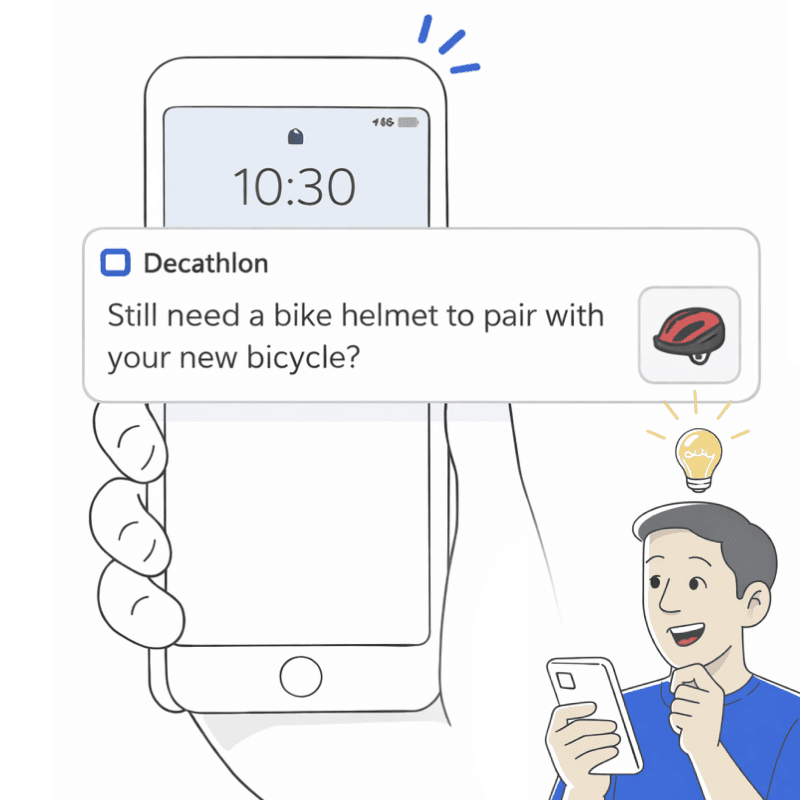
  4. A lock screen notification from Decathlon: still need a bike helmet to pair with your new bicycle?

    Monetization

    A few days later, a push notification suggests a helmet to go with the bike, a high-⁠margin accessory.

In-⁠Store Mode

Decathlon’s 1,900 stores are something an online-⁠only retailer can’t copy. In-⁠store mode makes the app useful inside them, from the moment a customer walks in to the moment they leave.

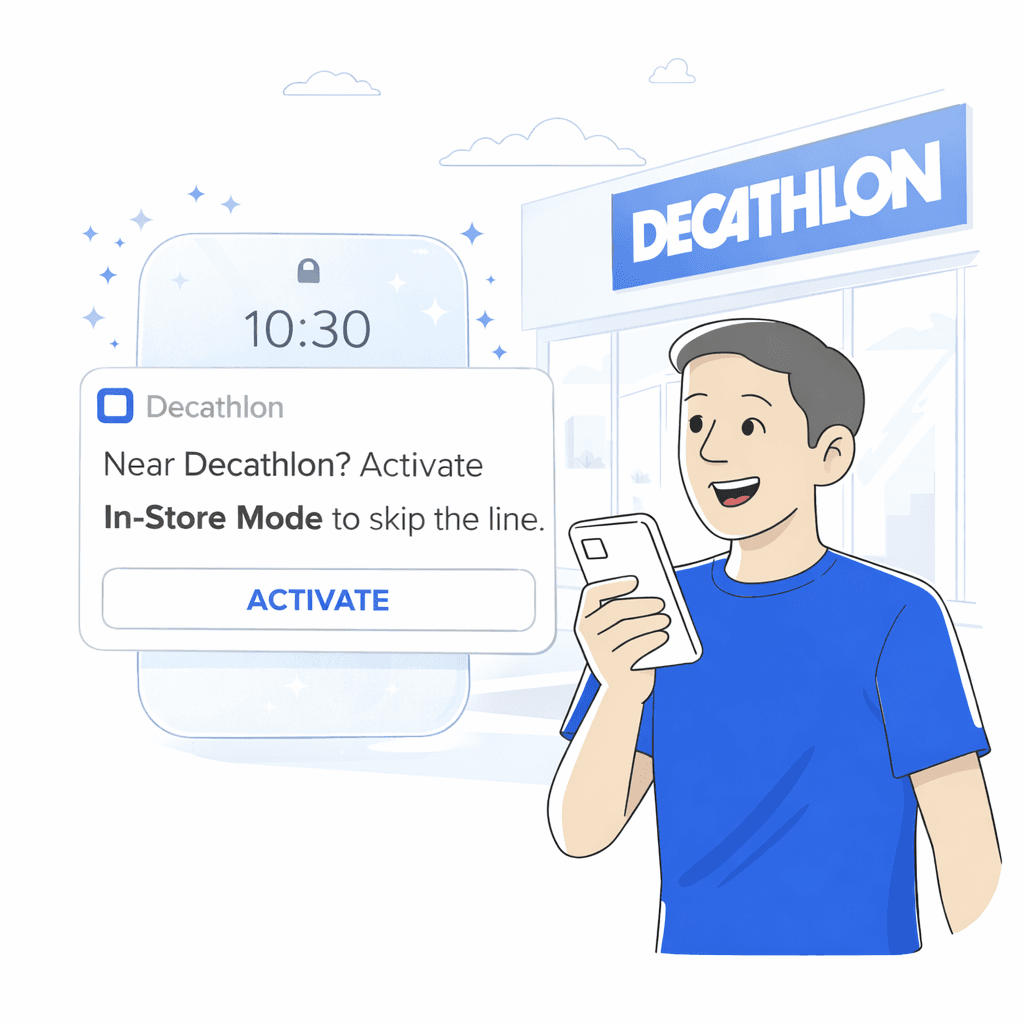
  1. Outside a Decathlon store, a man smiles at a notification: near Decathlon? Activate In-Store Mode to skip the line.

    Arrival

    Near a store, the lock screen offers in-⁠store mode: “Near Decathlon? Activate In-⁠Store Mode to skip the line.”

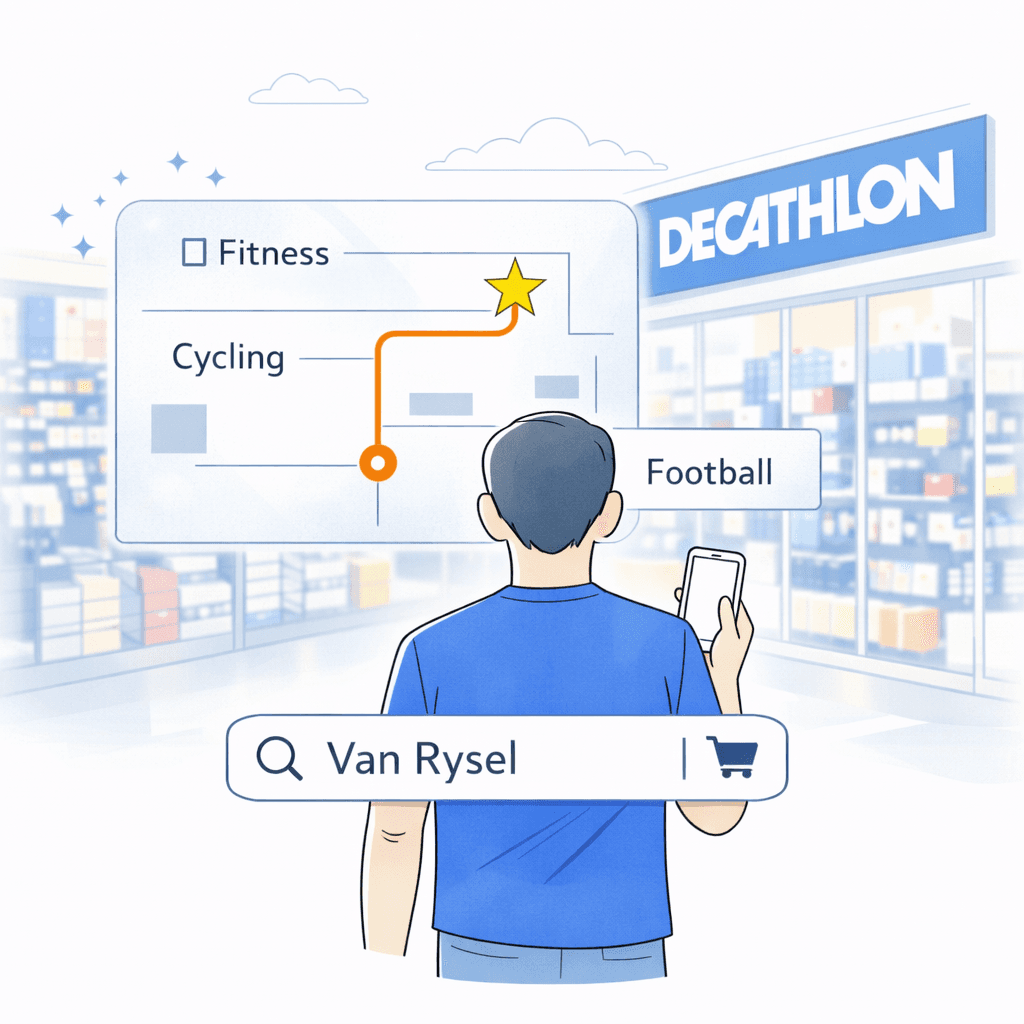
  2. Inside the store, the app shows a map with a route to the cycling section and a product search.

    Store mode

    The app switches to a store companion, with a barcode scanner and a map of the store.

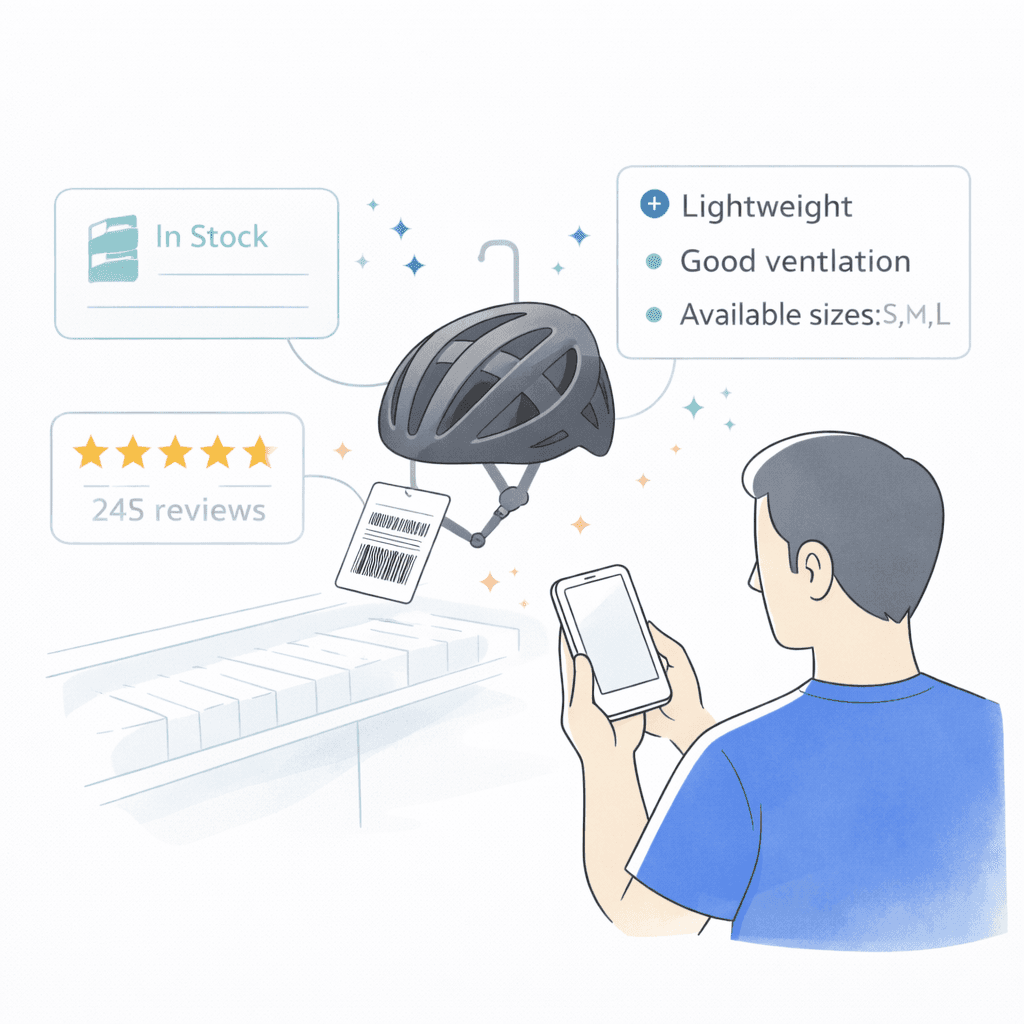
  3. A man scans the tag of a bike helmet, and the app shows it in stock, its reviews and its features.

    Scan

    Scanning a product tag shows stock in the backroom and customer reviews.

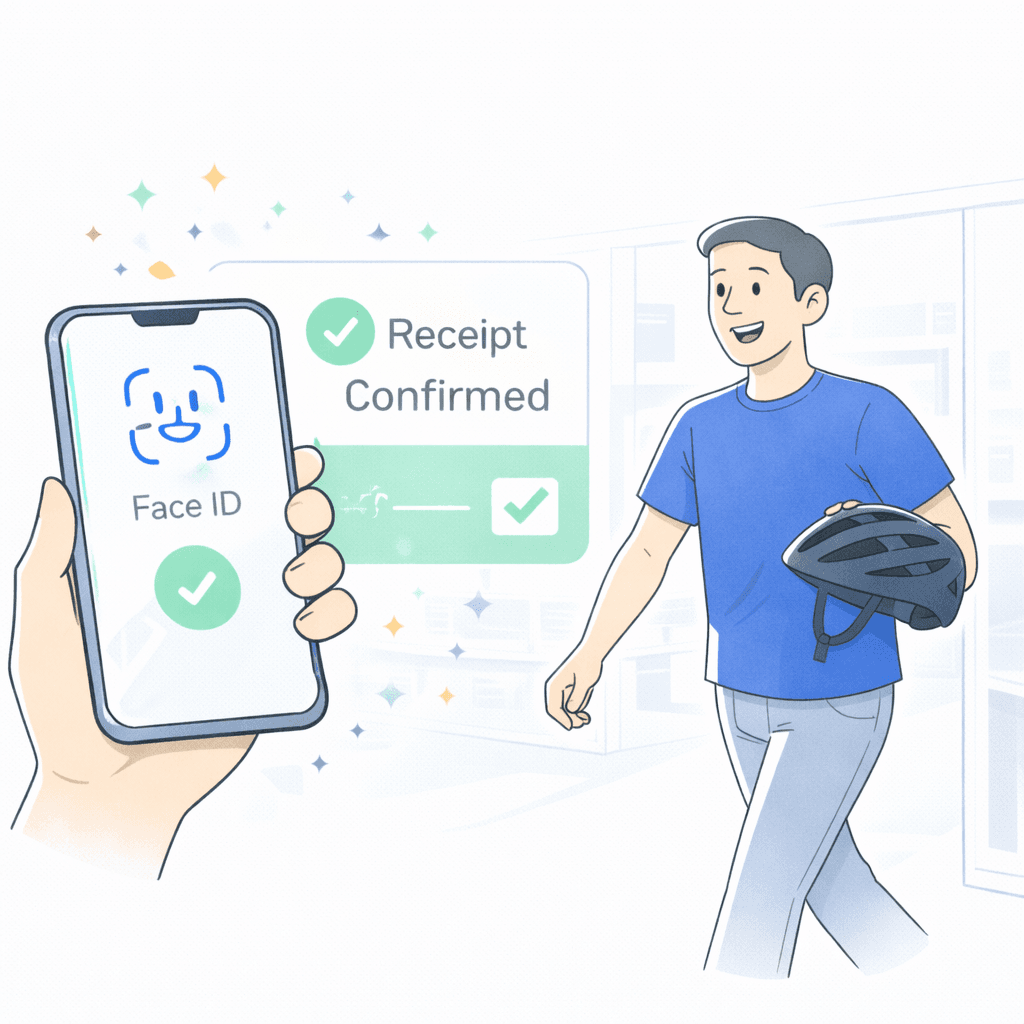
  4. A man walks out of the store with his helmet, his phone showing Face ID and a confirmed digital receipt.

    Checkout

    Scan & Go with Face ID, and a digital receipt on screen on the way out.